Before SPX
The challenge
- Lights and AC on after hours
- Meeting rooms that are booked but empty
- No usage data to plan space

Comfortable workplaces that don't waste energy.
Comfortable, efficient workplaces with presence-aware lighting and climate control.
Operational change
Before SPX
With SPX
Capabilities
The final system is configured around the site, its existing infrastructure and the outcomes your team needs to manage.
Meeting rooms and zones respond to who is actually there.
Lights and AC switch off automatically in unused areas.
Start and shut-down routines matched to office hours.
Control and monitor all floors and branches from one place.
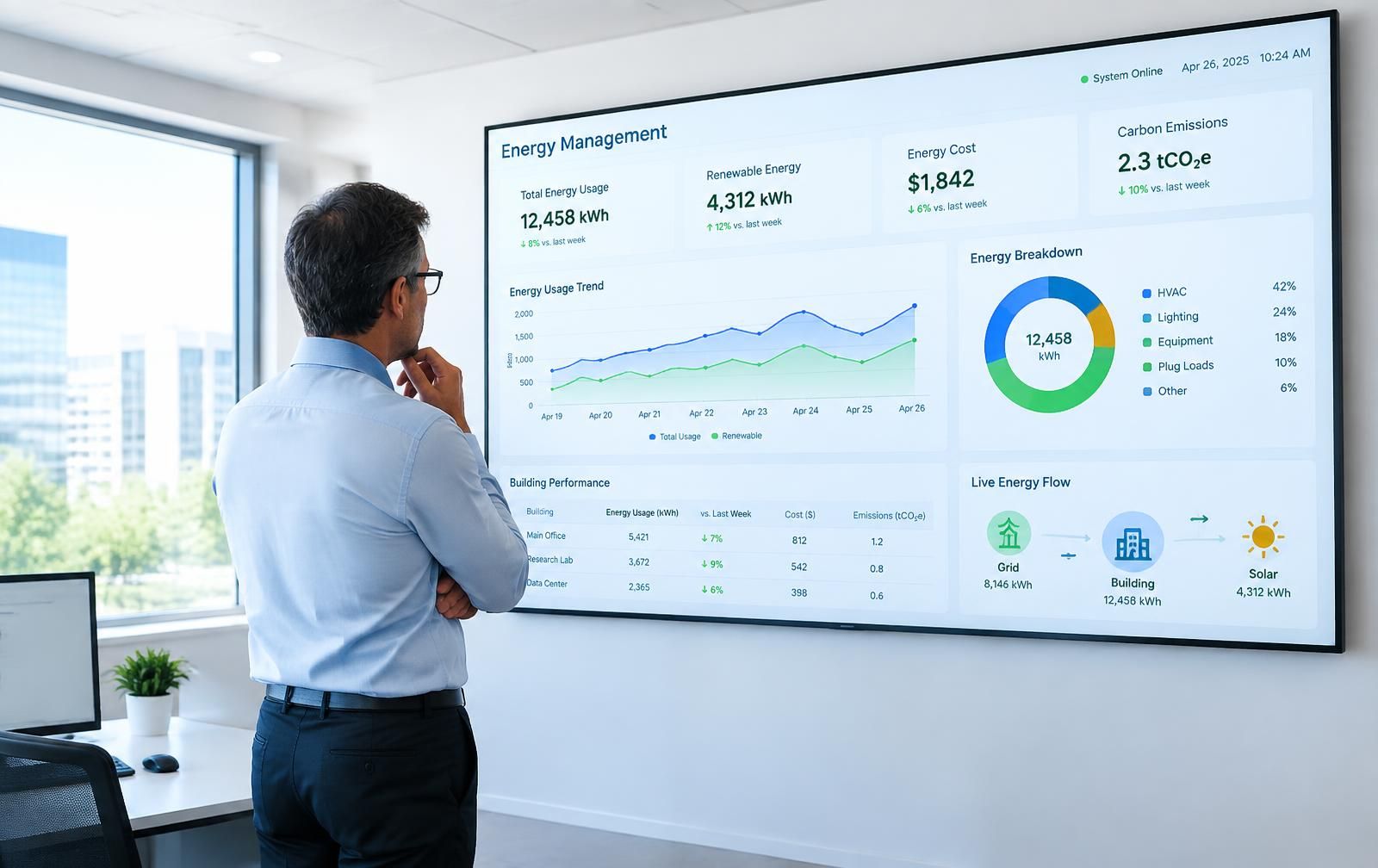
Understand how spaces and energy are used.
Integrate smart locks for restricted areas.
Connected architecture
SPX brings field devices, local automation and cloud services into one coherent operating layer. Critical routines can continue locally; connected services add monitoring, reporting and multi-site access.
Delivery
We visit, review drawings and existing systems, and agree on the goals for the space.
A device list, wiring plan and quotation tailored to the site — no generic packages.
Installation and commissioning by SPX engineers or a certified integrator, then handover.
Ongoing support 9 AM – 9 PM, Saturday to Thursday, with remote monitoring where enabled.
Typical system scope
Final components, compatibility and deployment scope are confirmed after reviewing the site.
Straight answers
Yes. Multiple sites can be managed from one account.
Day-to-day use is automatic. We train your facility team at handover.
Continue exploring
Plan with the SPX team
We will review your priorities, existing infrastructure and deployment constraints before recommending a scope.