
Every room.
One touch.
The SPX app puts every switch, room and schedule in your pocket — and works with Alexa, Google Home and Home Assistant.
Rooms
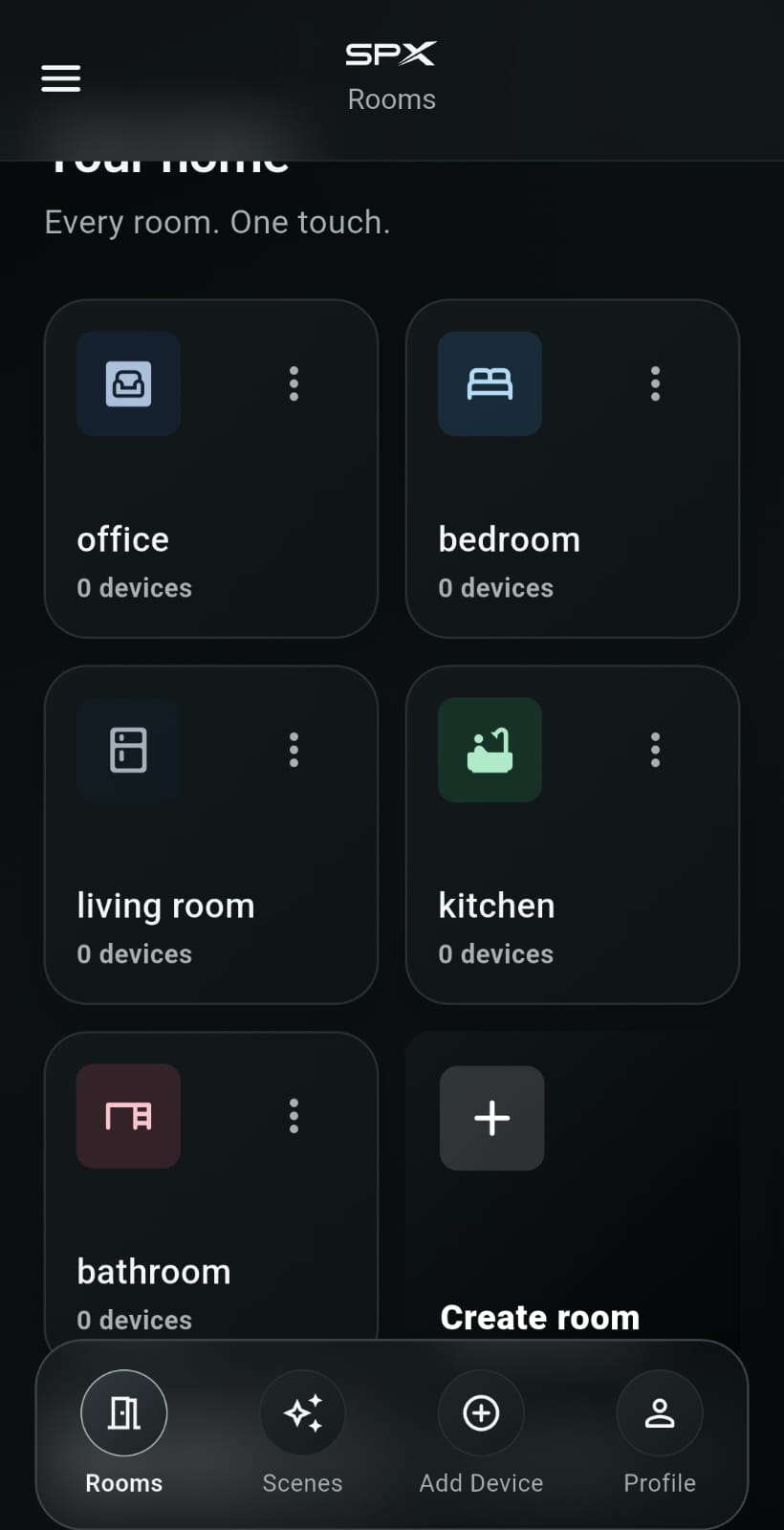
Organised by room.
Organise your home into office, bedroom, living room, kitchen and more. Create a room in seconds and see how many devices live in each.
All devices
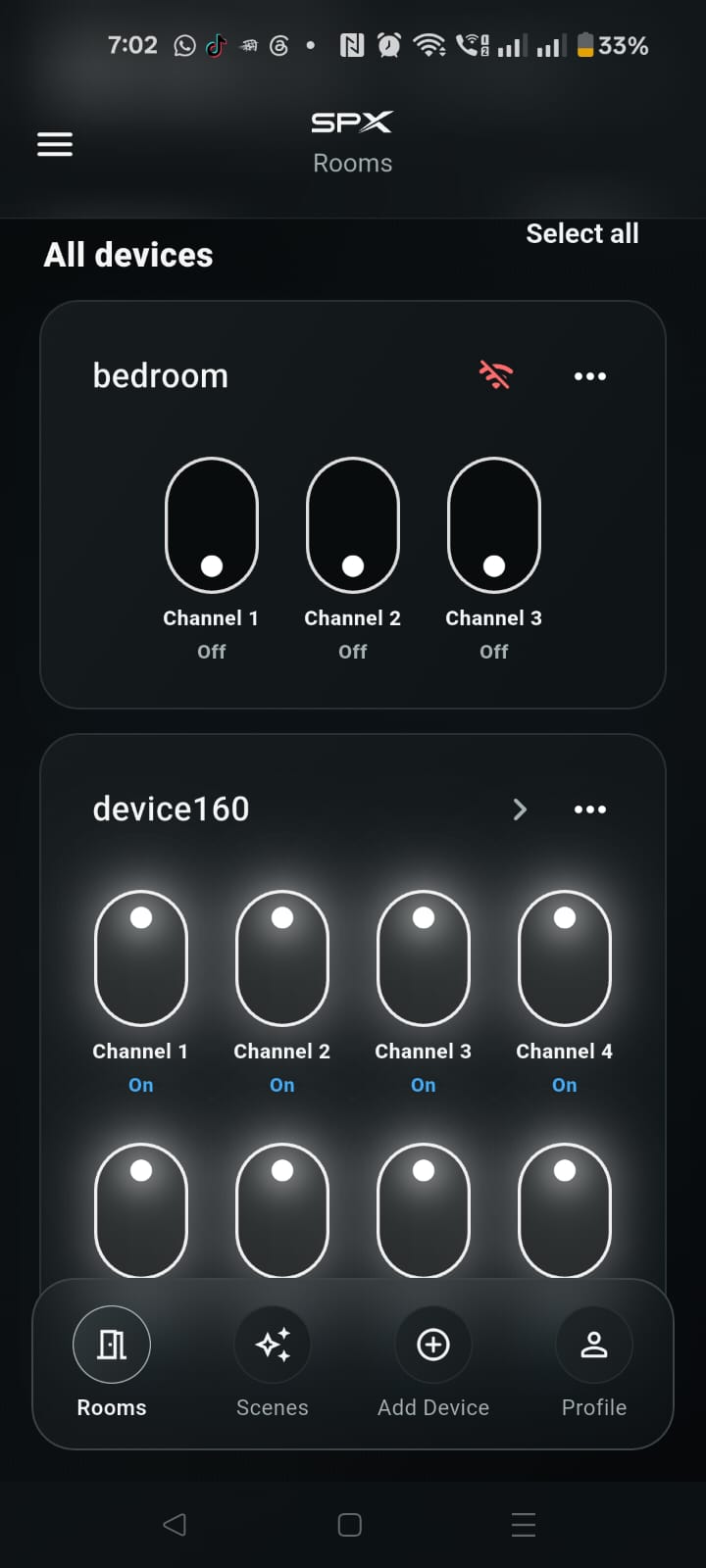
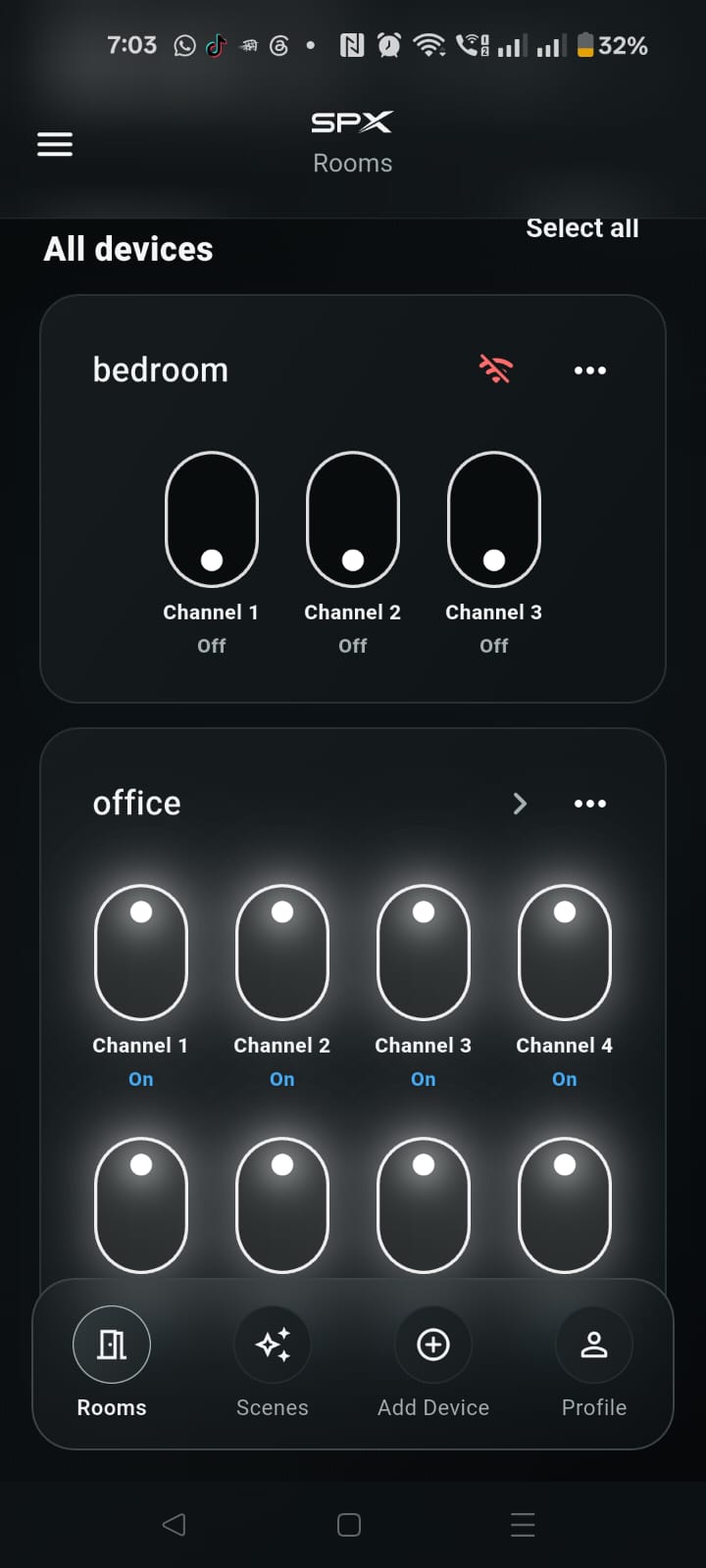
See your whole home at a glance.
Every switch in every room on one screen, with live On / Off status and instant alerts when a device goes offline.
Channel control
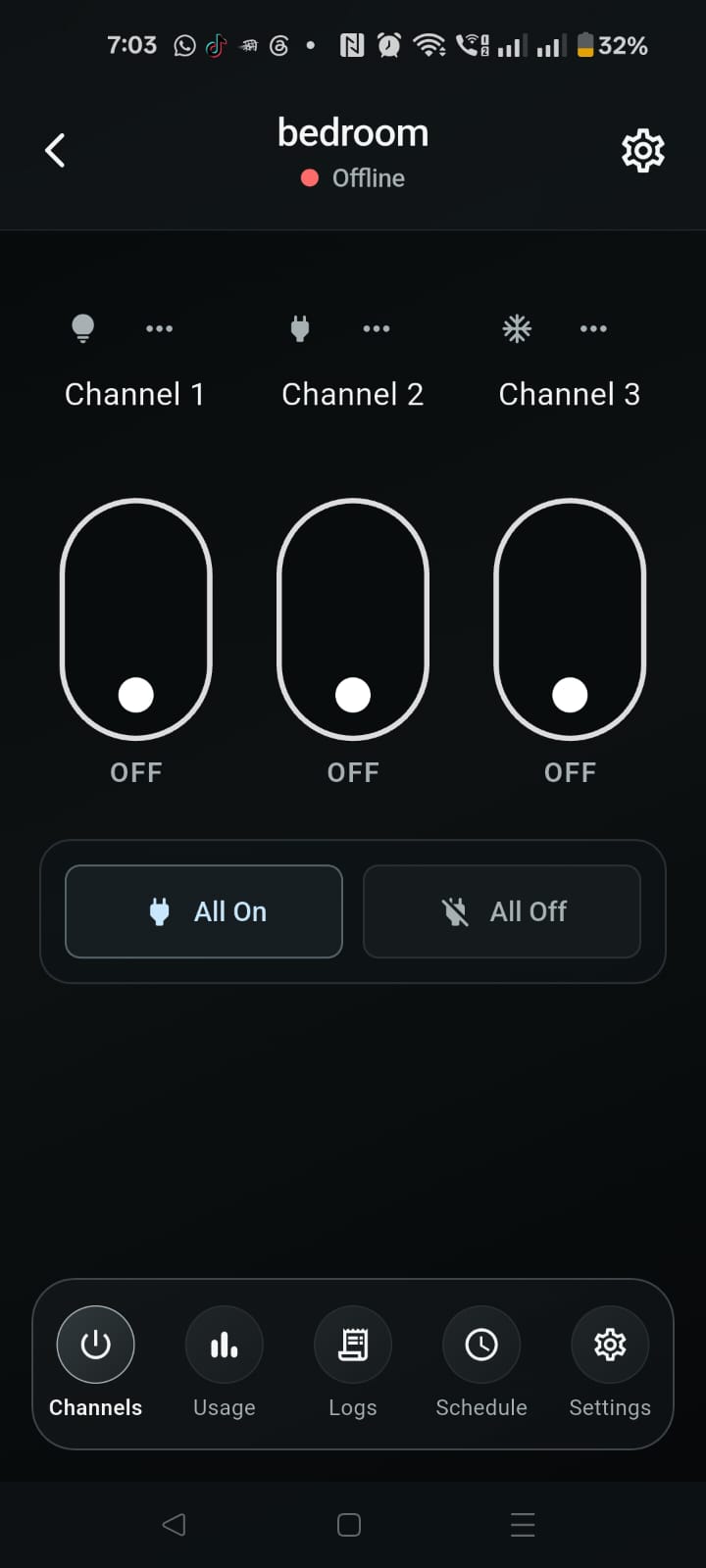
Tap. Done.
Control each channel individually or everything at once with All On / All Off. Usage, logs and schedules are one tap away.
Real-time status
Schedules
Family sharing
Instant alerts
Energy usage
Encrypted
Integrations
Works with the platforms you already love.
Amazon Alexa
“Alexa, turn on the office.”
Control SPX devices with your voice through Alexa speakers and displays.
Google Home
“Hey Google, turn off the bedroom.”
Add SPX in Google Home and control devices from Nest speakers and your phone.
Home Assistant
Automations, your way.
Bring SPX devices into Home Assistant dashboards and automations. [Setup details to be provided]